

FDIC-Insured - Backed by the full faith and credit of the U.S. Government


Visa Update
Activate Your New Visa Debit Card Today!
Your account hasn’t changed—only the network behind it. With your new Visa® debit card, you’ll continue banking as usual, supported by one of the world’s most widely used payment networks.
Take Action Now
Your Mastercard® debit card will be deactivated on Oct. 1, 2026.


Activate your card and set your PIN.
Call 1.800.992.3808 to take action immediately.

Update your recurring payments.
Review online banking and eStatements if needed.

Destroy your Mastercard® debit card.
Debit Card
Pay Your Way
Keep it fast and secure
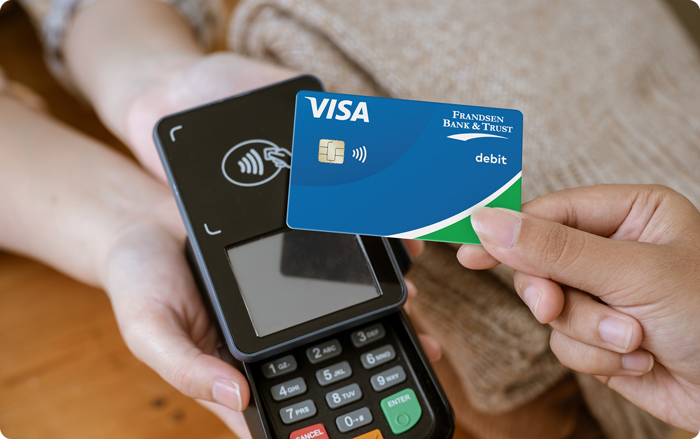
Tap to pay with convenient contactless payment
Use your phone’s mobile wallet
Welcomed worldwide, wherever VISA® is accepted


Get Help Getting Started
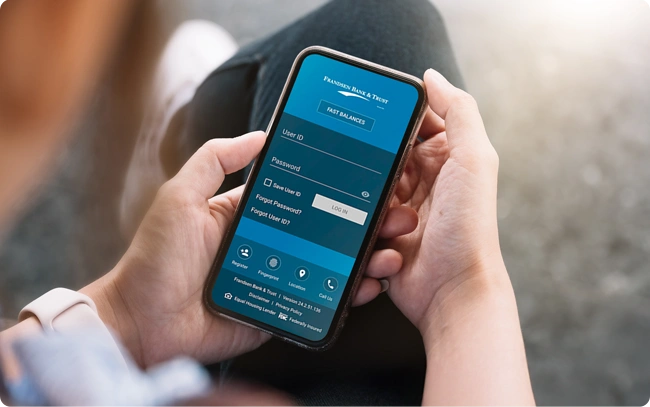
Explore our learning center for tutorials, video walkthroughs, and FAQs.
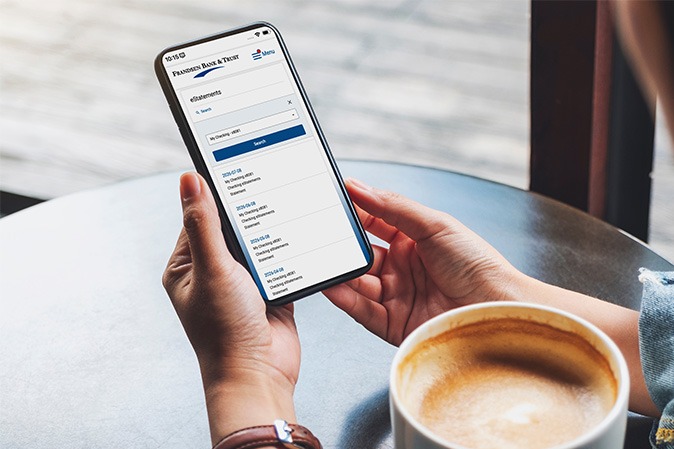
Get quicker access to your deposit account info, securely stored and always at your fingertips. A smart, paper-free way to bank.

Here's how to know where your debit card information is stored.

Watch this video overview to get familiar with all the features in the Frandsen online banking account.
Frequently Asked Questions
Fast answers to common questions about this change.
Can I still access my account at the ATM?
Yes. You will be able to use your Visa debit card at ATMs. Transactions within the MoneyPass® network remain free.?
How do I know where I have my card on file?
For consumer and health savings account holders, you can view this information in online banking. Once signed in, navigate to Cards tab and select Card on File. In this new window, you can click between Recurring Payments and Card On File lists.
Business customers can review their monthly statements for an accurate list of recurring payments.
What will happen with automatic, card-on-file and recurring bill payments on my card?
Once you receive your new card, you’ll need to update your card information with merchants who regularly bill this account. This may include wireless, cable and internet providers, streaming services, insurance companies, highway toll accounts, food delivery services, utilities, and subscription services, as well as online merchants where you shop regularly.
Will my PIN change?
When you call to activate your new Visa, you will set your desired PIN.
Will my account terms change?
No. Your deposit account terms all remain the same.
Important Legal Disclosures & Information
Apple logo and Apple Pay are trademarks of Apple Inc., registered in the U.S. and other countries. For a list of compatible Apple Pay devices, see support.apple.com/km207105.
Google Pay and the Google logo are trademarks of Google LLC.


Cookie Settings
Frandsen Bank & Trust collects information like cookies to give you the best possible experience online. For example, cookies help us remember your preferred bank location every time you visit. You can choose to accept all cookies or limit usage to essential cookies only.
View our Cookie Policy to better understand what data we collect and how we use it.